See where packets travel
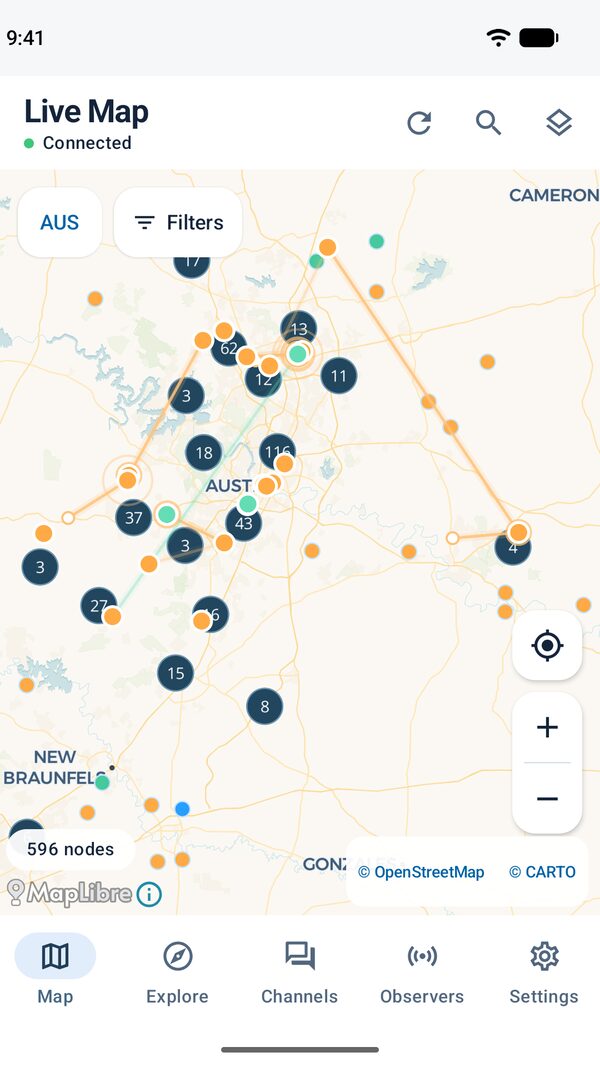
The live map shows nodes by role and animates packet hops between them. Narrow the map to a region, or tap a node to see what your analyzer knows about it.

Live MeshCore maps and packet routes
Explore your MeshCore network on a live map. Follow packet routes, read channel traffic, and see what your CoreScope analyzer hears.


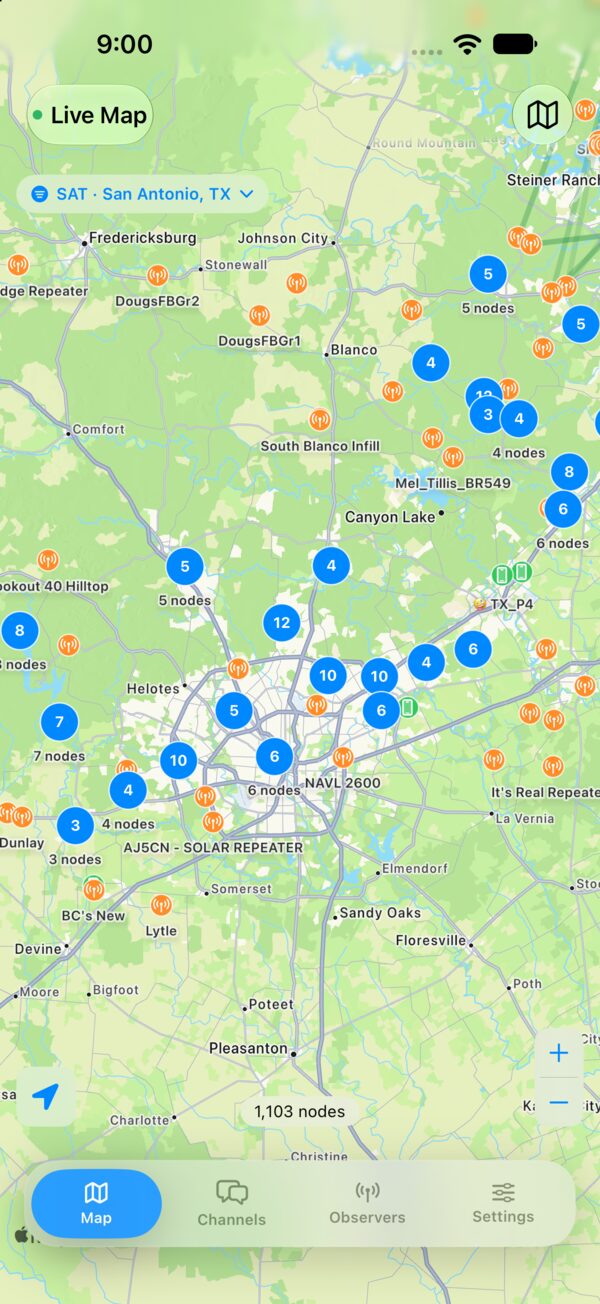
Start with the whole mesh, then follow a message or inspect the devices reporting it.
The live map shows nodes by role and animates packet hops between them. Narrow the map to a region, or tap a node to see what your analyzer knows about it.
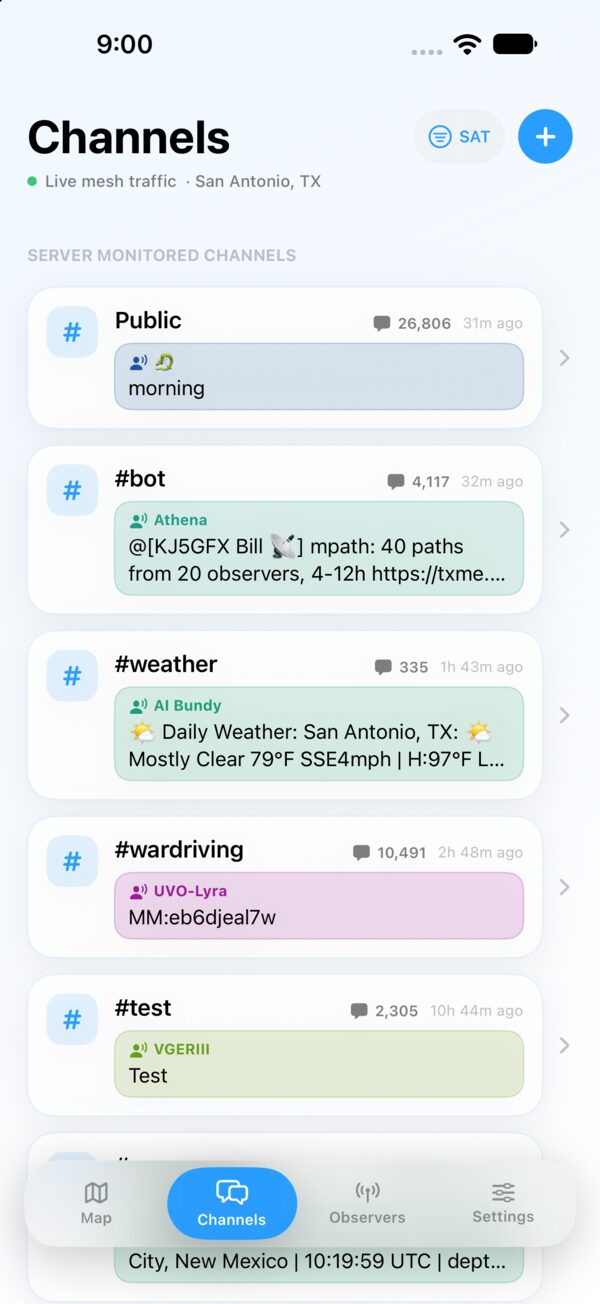
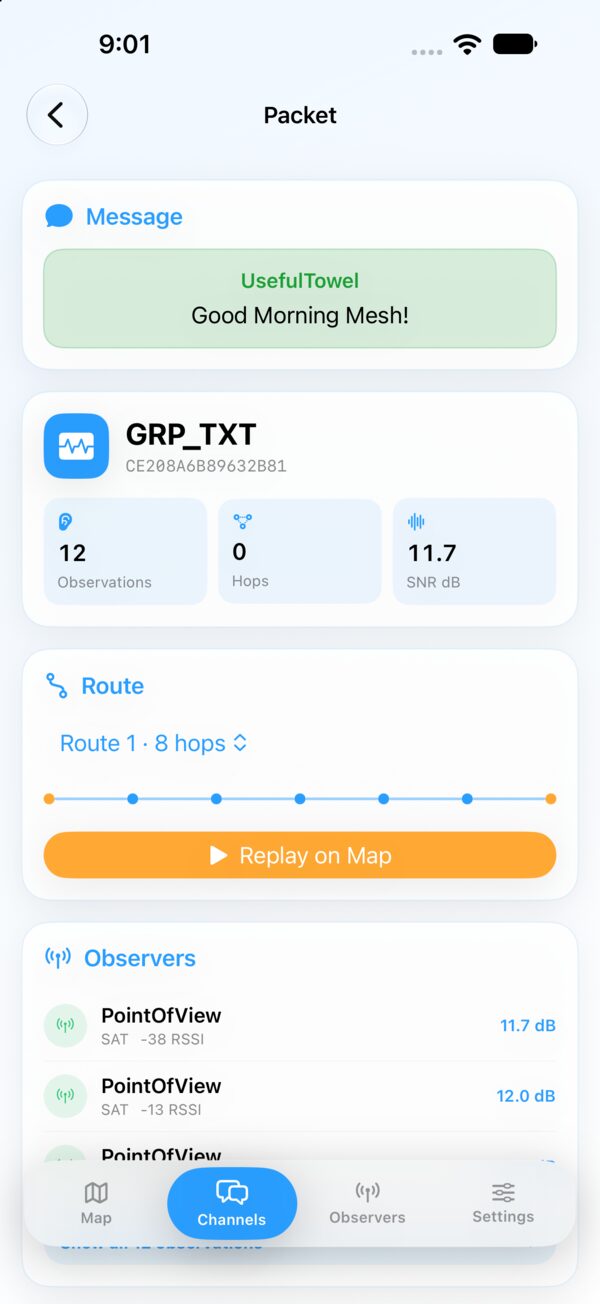
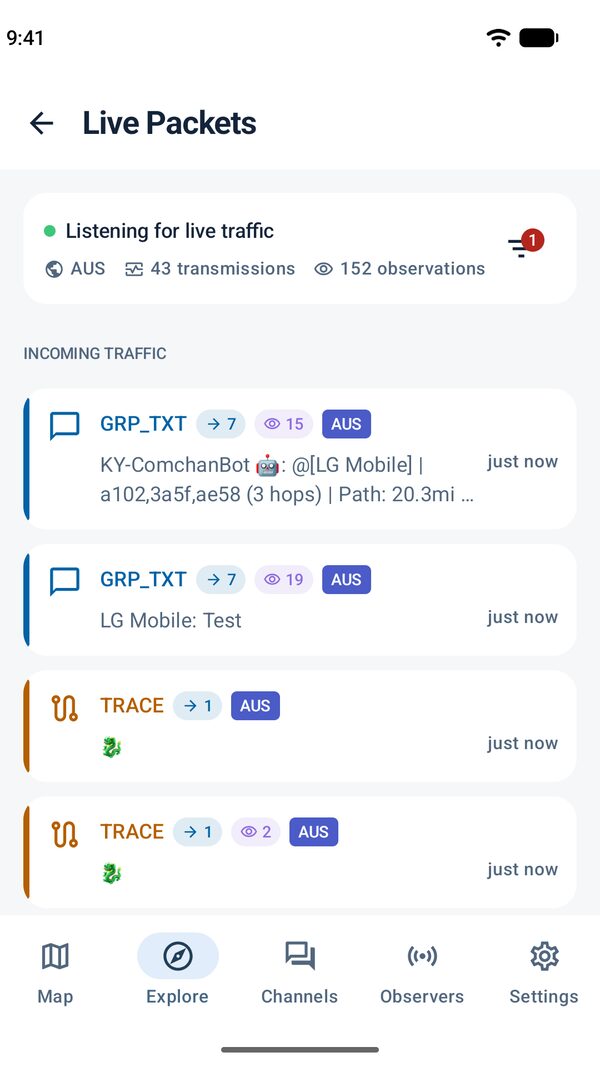
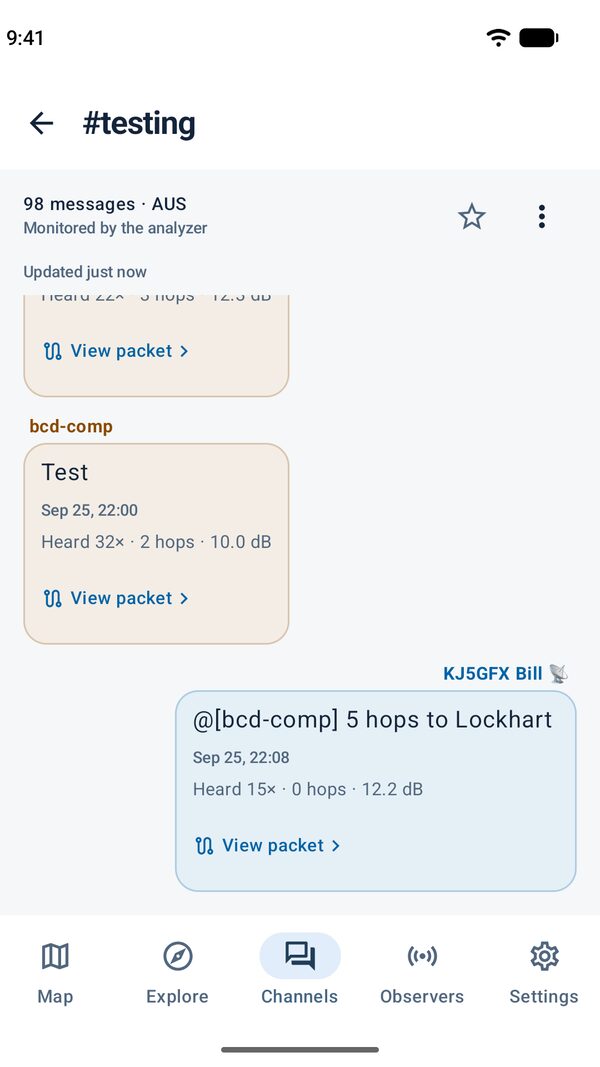
Read live traffic by channel. Open a message to inspect its packet details and replay the route your analyzer observed.
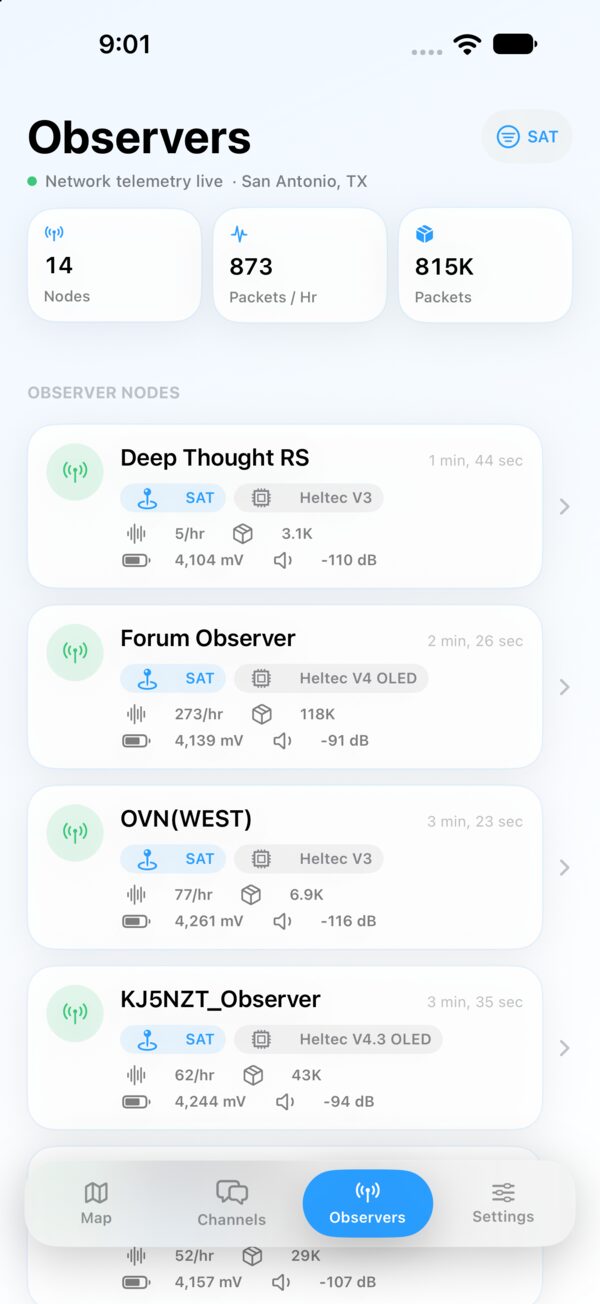
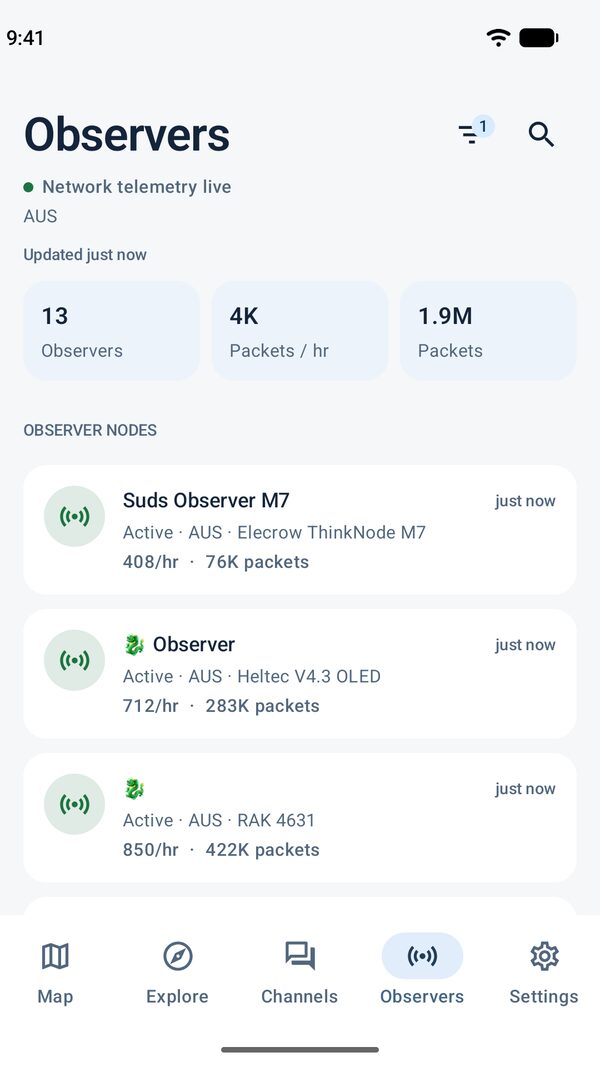
Browse the observers feeding your analyzer and check their hardware, firmware, and recent signal statistics. Open a node’s history to see what the analyzer has received over time.
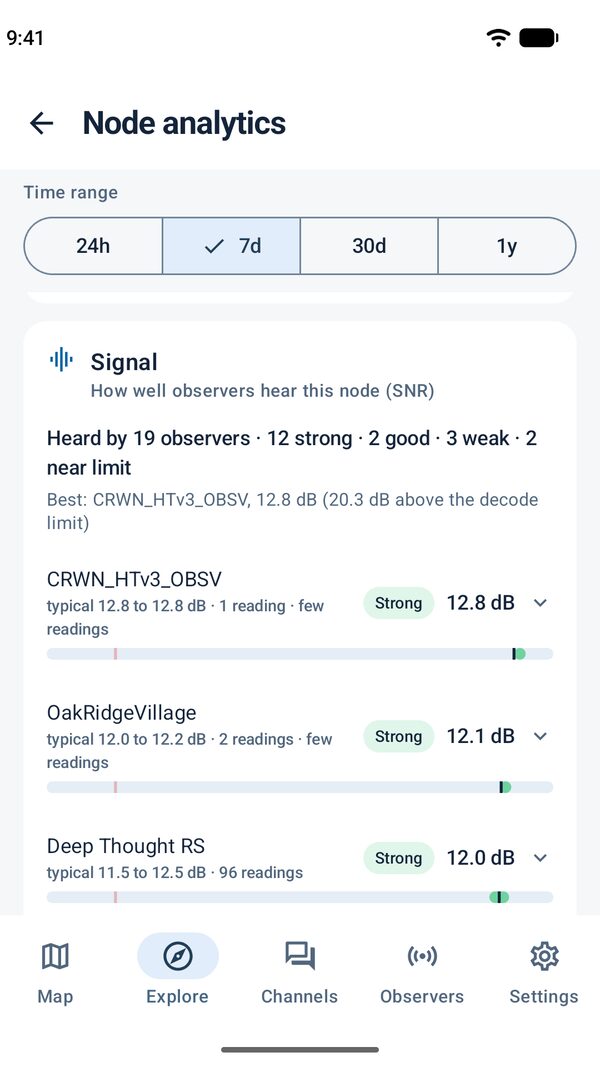
Browse NodeScope screens on iOS and Android.
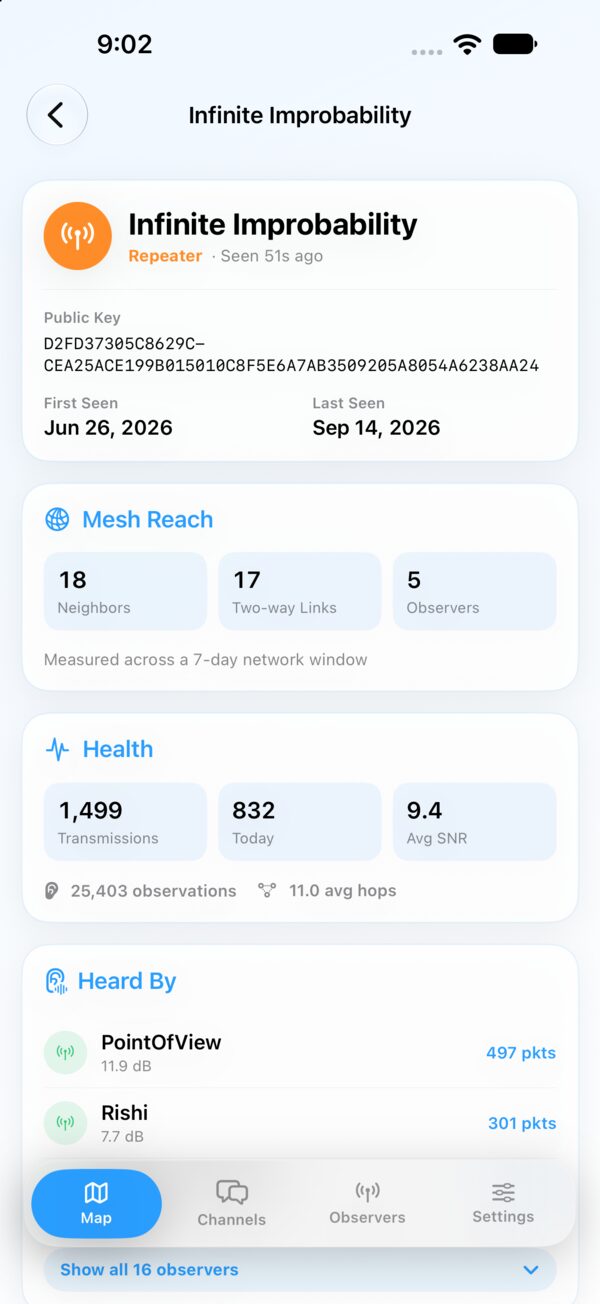
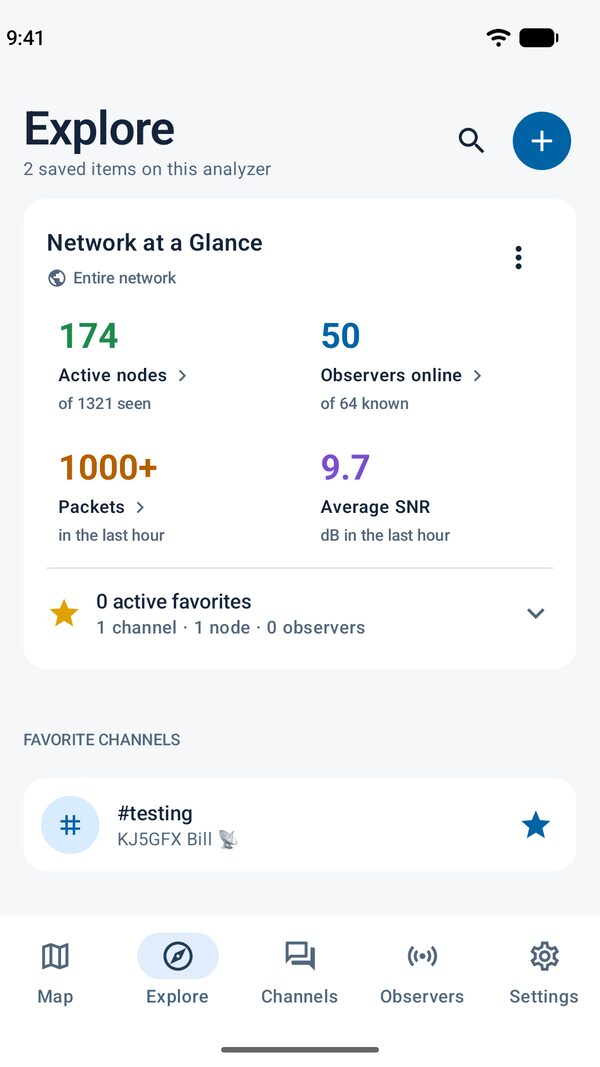
Use your own CoreScope-compatible host or choose a community analyzer. NodeScope is an independent viewer for MeshCore.
Requires iOS 18 or later, or Android 8.0 or later.